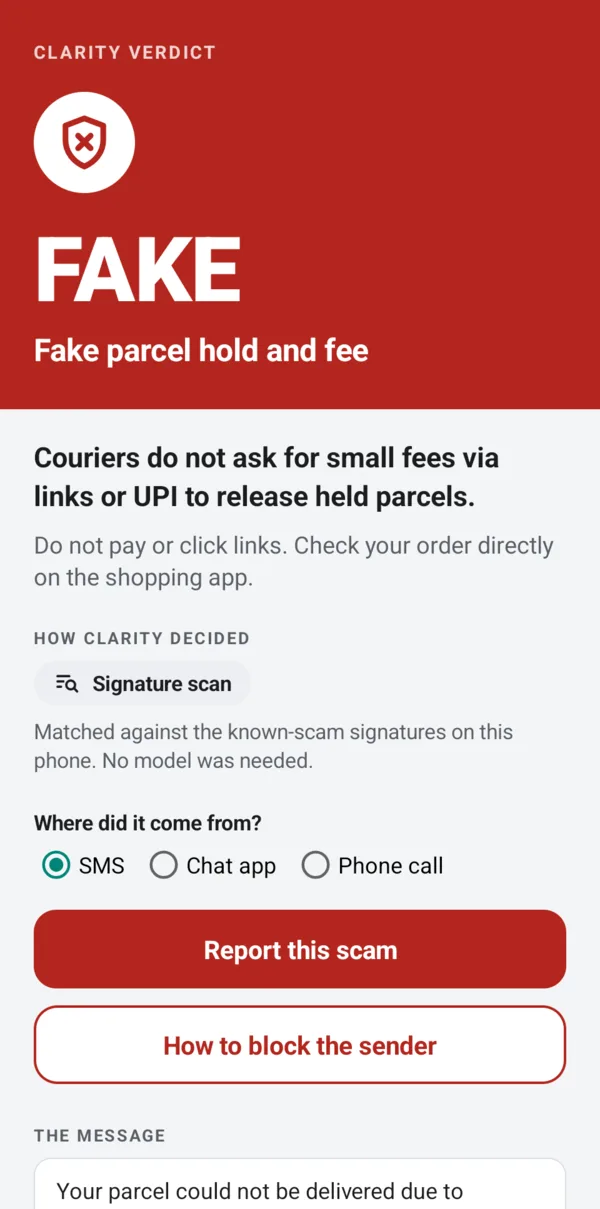
FAKE
A scam. Do not reply, pay, or share any code.
 Clarity
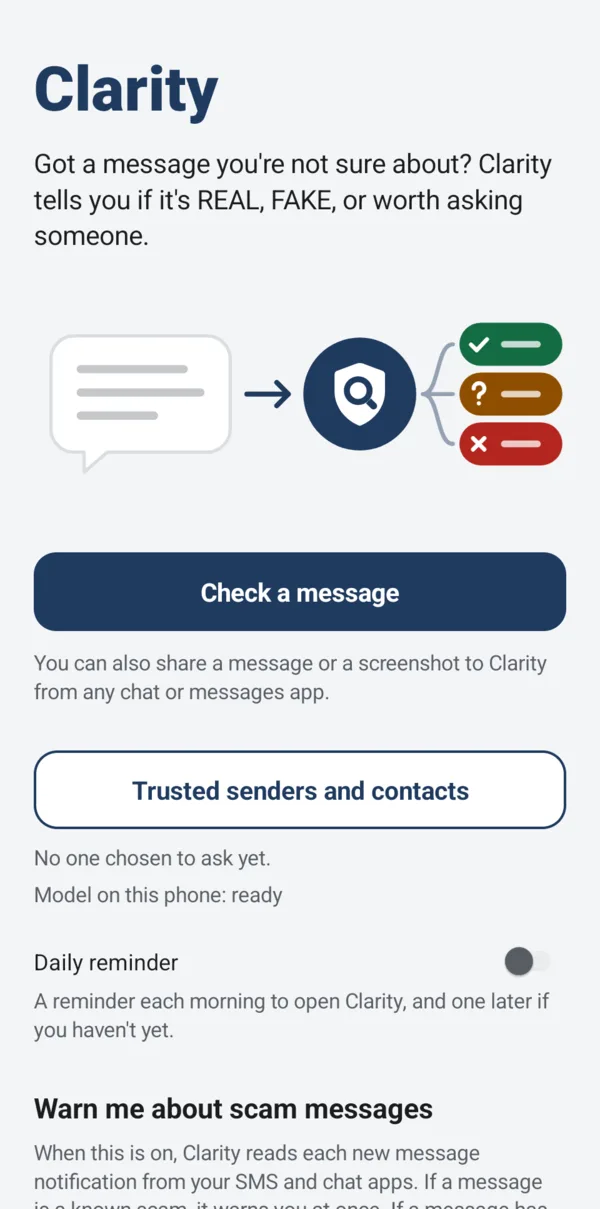
Share a message you are not sure about. Clarity tells you if it is REAL, FAKE, or worth asking someone about.
Why it matters
Many scams start with one message or one call that asks for money, a code, or a quick decision. Older people are often the target.
Rs 22,846 crore
reported lost to cyber fraud across India so far that year, as the Government of India told Parliament in July 2025. See the news report on the figures given to Parliament.
Over half of adults
worldwide met a scam in the past year, and 23% lost money, in a Global Anti-Scam Alliance survey. See the survey summary (October 2025).
Over US$20 billion
lost by Americans to online scams in 2025, in the FBI’s 2025 Internet Crime Report. See the news report on the FBI figures or the IC3 annual reports.
How you use it
In your messages or chat app, share the message to Clarity, or paste it into the app. A screenshot works too. Most known scams get an answer at once, on the phone, with no network.
A scam. Do not reply, pay, or share any code.
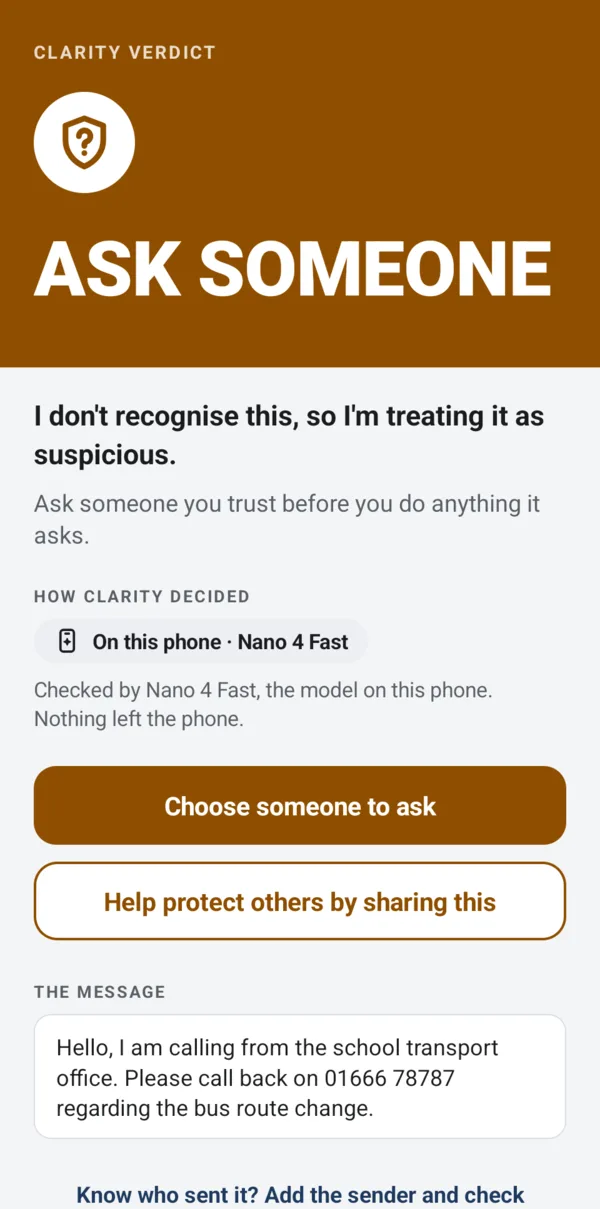
Clarity is not sure. Ask someone you trust before you do anything it asks.
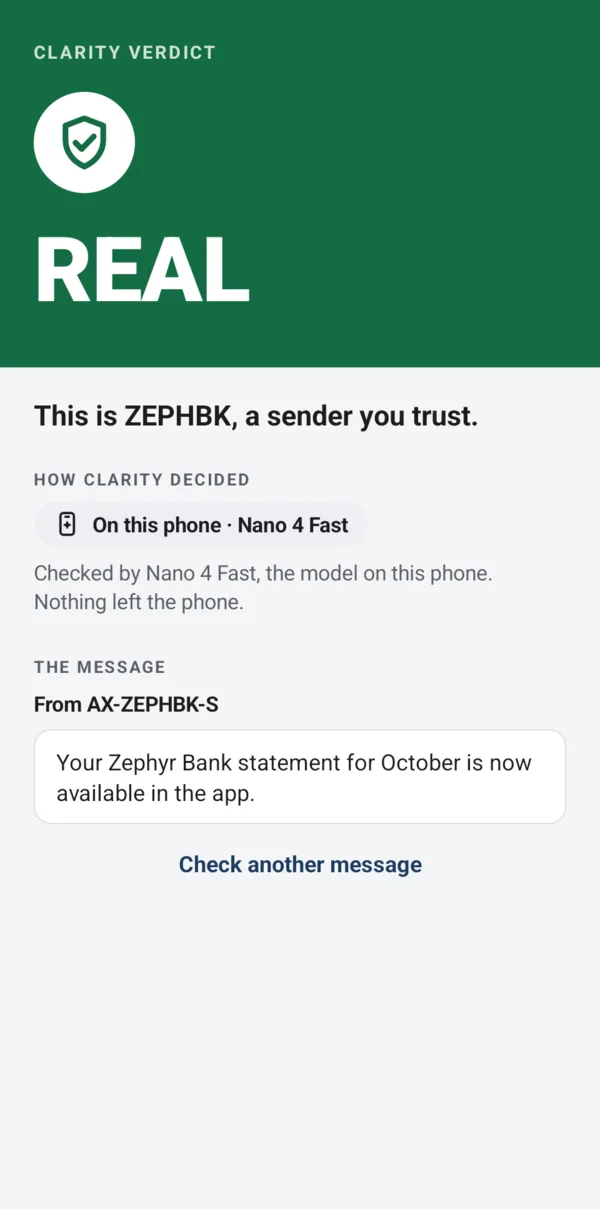
From a sender you trust, or checked with nothing to worry about.
Features
Turn on warnings, and Clarity checks each new message notification from your text and chat apps. A known scam gets a warning at once. Clarity never reads your text message store or your calls.
Choose a family member or a friend. When Clarity is not sure, one tap opens your messages app with the message and a short note for them. You decide whether to send it.
Add the sender headers and contacts you trust. A message from them can be REAL, and a scam that copies their name is still caught. Your list stays on the phone.
Clarity gets the latest scams when you open it. Turn on a reminder at 09:00, with a second one at 17:00 if you have not opened Clarity yet.
The rule
It gets better
When Clarity meets a scam it does not know, you can send it in. It goes only if you agree, with numbers and codes removed. Clarity learns the new scam, and every phone gets the update the next time Clarity opens. From then on, phones spot that scam at once, with no network.
The same new scam on our test phone. Both times the answer was FAKE; after the update, the phone knew the scam and needed no model.
Try it now
Paste a message and select “Check message”, or pick an invented example. This runs Clarity’s scan, the first check the app makes, with the same Rust engine and scam list as the app.
Try an example message:
The scan runs in your browser. Nothing you type leaves this page.
This page has no model, so it stops at the scan. When the scan cannot settle a message, the app then asks Gemini Nano on the phone, or the cloud model. Nothing you type leaves the page: once it has loaded, the scan works with no network.
What’s next
Clarity works in English today. Hindi and Malayalam come next. Clarity’s test messages already include both languages; the warning-sign words, the scam descriptions, and the app’s text come next. Follow the language work on GitHub.